How to update apps on your iPhone or iPad
- Open the App Store.
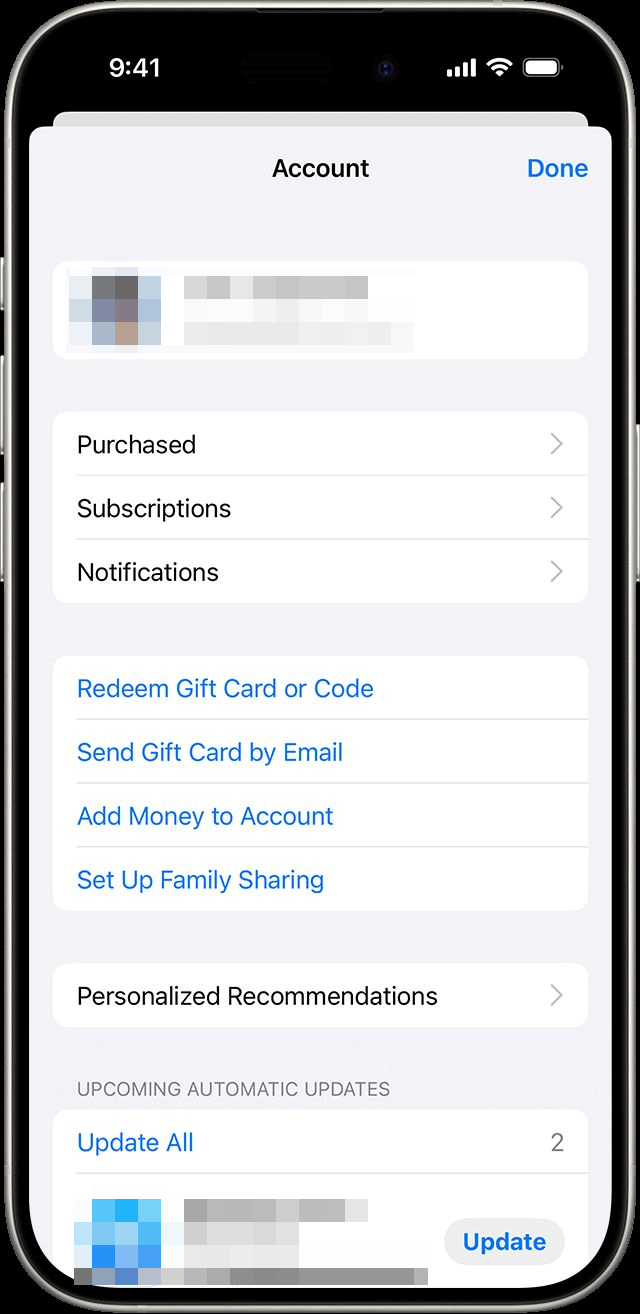
- Tap your profile icon at the top of the screen.
- Scroll to see pending updates and release notes.
- Tap Update next to an app to update only that app, or tap Update All.

How to update apps on your iPhone or iPad